


Running an online store comes with its own set of challenges, and one of the biggest hurdles for fashion and apparel retailers is helping customers choose the right size. Without the ability to try products on before purchasing, shoppers often hesitate, leading to abandoned carts and increased return rates.
This is where size chart extensions become invaluable tools for your Magento 2 store. A well-implemented size guide doesn't just reduce returns - it builds customer confidence, improves shopping experience, and ultimately drives more sales.
The problem? Magento 2 doesn't include a built-in size chart feature. You'll need to install a dedicated extension to provide this functionality. With dozens of options available in the marketplace, choosing the right one can feel overwhelming.
This comprehensive guide breaks down the top 10 options, examining their features, pricing, and unique capabilities to help you make an informed decision for your store.
Key Takeaways:
- Size charts reduce returns and boost buyer confidence, especially in fashion/apparel stores.
- Magento 2 doesn’t offer size charts by default - an extension is required.
- Look for key features: templates, flexible display options, mobile responsiveness, and rule-based assignment.
- Premium extensions give better customization, templates, and automation for large catalogs.
- Budget and free options work for small stores but lack advanced features.
- Attribute-based and conditional rules are essential for complex product ranges.
- Responsive, mobile-friendly size charts are now mandatory for conversions.
- Best choice depends on catalog size, complexity, and required customization level.
Why Your Magento 2 Store Needs a Size Chart Extension?
Before diving into the specific extensions, let's talk about why this seemingly simple feature matters so much.
When customers shop online, they can't physically touch or try on products. This creates uncertainty, especially for items like clothing, shoes, jewelry, and furniture where fit matters tremendously. Without proper sizing information, potential buyers face a dilemma: take a risk on an item that might not fit, or simply move on to a competitor who provides clearer guidance.
The numbers tell a compelling story. Studies consistently show that unclear sizing information ranks among the top reasons for cart abandonment in fashion e-commerce. Even worse, when customers do take the chance and order without adequate sizing details, return rates skyrocket. Processing returns costs you money in shipping, restocking, and lost revenue.
A size chart extension solves these problems by providing detailed measurement guides directly on your product pages. Customers can compare their own measurements against your charts, dramatically increasing their confidence in selecting the correct size. The result? More completed purchases and fewer disappointed customers returning ill-fitting items.
Beyond just reducing returns, size charts enhance the overall professionalism of your store. They signal to customers that you've thought through their needs and are committed to helping them make informed decisions. This attention to detail builds trust and encourages repeat business.
What to Look for in a Size Chart Extension?
Not all size chart extensions are created equal. As you evaluate your options, keep these key factors in mind:
Ease of Use: The best extensions offer intuitive interfaces for creating and managing size charts. Look for visual editors that don't require coding knowledge, along with features like pre-made templates that save you time.
Display Flexibility: Your size charts should fit seamlessly into your store's design. Quality extensions offer multiple display options - popups, inline tabs, or dedicated sections - giving you control over how and where sizing information appears.
Assignment Options: You'll want the ability to assign size charts at different levels: individual products, entire categories, or store-wide. The more granular your control, the better you can tailor size information to specific product types.
Customization Capabilities: Every brand has unique sizing standards. Your extension should allow full customization of chart content, including the ability to add images, videos, and detailed text descriptions using HTML editors.
Mobile Responsiveness: With mobile shopping continuing to grow, your size charts must look great and function perfectly on smartphones and tablets. This isn't optional - it's essential.
Support and Updates: E-commerce platforms evolve constantly. Choose extensions from vendors who provide regular updates, compatibility maintenance, and responsive customer support when you need help.
Now, let's explore the top extensions that meet these criteria.
Top 10 Best Magento 2 Size Chart Extensions
| # | Extension & Vendor | Price | Templates Provided | Display Options | Assignment Options | Notable Features | Best For |
| 1 | BSSCommerce Size Chart | $79 | No pre-made templates | Popup, Block, Tab | Product, Category, Bulk | Bulk assignment, customizable popup button | Large catalogs needing bulk ops |
| 2 | Plumrocket Size Chart | $89 | No predefined templates | Popup, Inline, Tab | Product, Category, Inheritance | Category-based inheritance, advanced HTML editor | Stores with deep category hierarchies |
| 3 | Amasty Size Chart | $149 | 6 professional templates | Tab, Accordion | Conditional rules (advanced) | FAQ template, rich media, rule-based display | Premium stores needing ready templates |
| 4 | Mageplaza Size Chart | $149 | 6 templates | Popup, Inline | Product, Category, Priority rules | Priority rule system, custom icons | Stores with overlapping categories |
| 5 | Meetanshi Size Chart | $45 | No templates | Popup | Attribute-based, Product-level | Mobile-optimized popup, priority assignment | Budget-friendly option for SMBs |
| 6 | Magefan Size Chart | $149 | Men/Women Tops & Bottoms | Popup, Tabs | Conditional rules | Quick-start templates, custom CSS | Stores wanting fast setup |
| 7 | MageComp Size Chart | $39 | No templates | Popup, Inline | Global, Category, Product | Customer group restriction | Stores needing simple, clean functionality |
| 8 | FME Extensions Size Chart | $55.99 | No templates | Popup, Tabs | Conditional rules | Data import, store-view restriction | Stores migrating from other platforms |
| 9 | MageDelight Size Chart | $49 | No templates | Popup, Inline | Product, Category, Attribute-based | GraphQL support, attribute combinations | Stores with headless setups or complex sizing |
| 10 | Magepow Size Chart | Free | No templates | Popup | Basic assignment | Open-source, basic features | Startups/testing environments |
1. Magento 2 Size Chart by MageDelight - $149

MageDelight brings a customer-focused approach to size chart management with their well-rounded extension that balances features, usability, and affordability. This Magento 2 Size Chart Extension has earned strong ratings from users who appreciate its visual appeal and practical functionality.
What Makes It Stand Out?
The visual presentation is a standout feature. MageDelight emphasizes creating visually engaging size charts that don't just inform - they enhance the overall aesthetic of your product pages. The extension supports text, HTML code, tables, and images, giving you complete creative freedom in how you present sizing information.
The attribute-based display system is particularly smart. You can showcase size charts based on specific product attributes or combinations of attributes. This means you can create sophisticated rules like "show this size chart only for cotton t-shirts in the men's category" or "use this chart for shoes with leather uppers." This granularity ensures customers always see the most relevant sizing information.
GraphQL compatibility is a notable technical advantage. If you're running a headless Magento setup or planning to move in that direction, this extension supports your architecture without requiring a complete replacement. The modern API approach future-proofs your investment.
The multiple display options provide tactical flexibility. Whether you prefer inline charts directly on the product page or clean popups that appear on demand, MageDelight accommodates both approaches. This lets you optimize based on your specific product types and customer preferences.
Key Features:
- Unlimited size chart creation
- Rich content support: text, HTML, tables, images
- Attribute-based conditional display
- Multiple display positions (inline or popup)
- GraphQL API compatibility
- Customizable size chart button and icon
- Product-level and category-level assignment
- Responsive design for mobile devices
Support: MageDelight offers 90 days of free support, free lifetime updates, and a 30-day money-back guarantee. Their reputation for responsive support adds value beyond the technical features.
Best For: Stores that want visually appealing size charts with modern API support at a mid-range price point. The GraphQL compatibility makes this especially attractive for stores using or planning headless architectures. Also excellent for businesses with complex product catalogs who need sophisticated attribute-based display rules.
2. Magento 2 Size Chart Extension by BSSCommerce - $79

BSSCommerce has built a solid reputation in the Magento extension marketplace, and their Size Chart extension demonstrates why. This tool strikes an excellent balance between powerful features and user-friendly operation.
What Makes It Stand Out?
The extension shines in its flexibility. You can create comprehensive size chart templates using the WYSIWYG editor, which means you don't need to write any code. The visual interface lets you format text, insert images, and structure your charts exactly as you envision them.
One of the smartest features is the bulk assignment capability. Instead of manually adding size charts to products one by one, you can assign a single chart to multiple products through a simple grid interface. For stores with large inventories, this saves tremendous amounts of time.
The display options give you full control over the customer experience. Choose to show size charts as popups that appear when customers click a button, embed them directly in product tabs, or display them as standalone blocks on the page. The popup button itself is fully customizable, so you can make it match your store's design perfectly.
Key Features:
- Intuitive WYSIWYG editor for chart creation
- Multiple display modes: popup, block, or tab
- Bulk product assignment through grid interface
- Custom size chart attribute for individual products
- Fully customizable popup button appearance
- Quick editing and deletion of existing charts
Support: BSSCommerce backs this extension with free installation, free lifetime updates, one year of free support, and a 30-day money-back guarantee. That's comprehensive coverage that gives you peace of mind.
Best For: Store owners who manage large product catalogs and need efficient tools for bulk operations. The combination of power and usability makes this ideal for medium to large e-commerce operations.
3. Size Chart Extension for Magento 2 by Plumrocket - $89

Plumrocket has been developing Magento extensions for years, and their experience shows in this polished size chart solution. This extension has earned consistently high ratings from users who appreciate its reliability and feature set.
What Makes It Stand Out?
The category inheritance feature sets Plumrocket apart. You can assign a size chart to a parent category, and all products in subcategories automatically inherit that chart. This hierarchical approach makes managing size information across your catalog remarkably efficient. Of course, you can still override inherited charts for specific products when needed.
The HTML editor provides extensive customization options. Add images, embed videos, create complex tables, or use custom CSS to match your brand identity perfectly. The extension ensures your size charts integrate seamlessly with your theme design, maintaining visual consistency across your store.
Display flexibility is another strength. Beyond the standard popup option, Plumrocket allows inline display within product tabs or directly on the product page. This gives you the freedom to test different approaches and see what resonates best with your customers.
Key Features:
- Category-based chart assignment with inheritance
- Advanced HTML editor for complete customization
- Multiple layout options that preserve theme design
- Individual product or category-level assignment
- Video and image support within charts
- Comprehensive display rules for precise control
Support: Plumrocket offers a 60-day refund policy, one year of free updates, and one year of free support. Their established presence in the Magento ecosystem means you're working with a proven vendor.
Best For: Stores with complex category structures who want to leverage inheritance for efficient management. Also excellent for brands with specific design requirements who need extensive customization options.
4. Product Tabs for Magento 2 by Amasty - $149
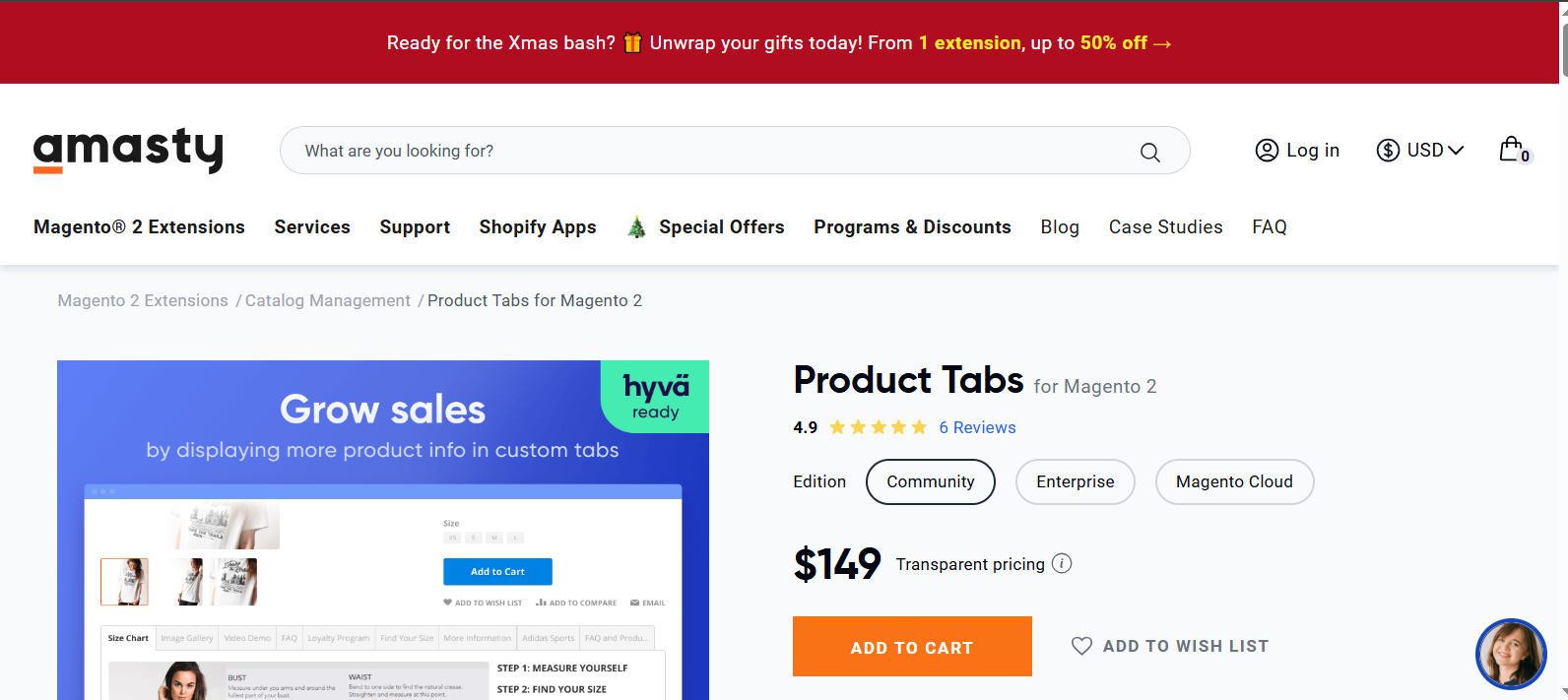
Amasty consistently produces premium Magento extensions, and their Size Chart solution lives up to that reputation. While it commands a higher price point, the feature set justifies the investment for many store owners.
What Makes It Stand Out?
The standout feature is the collection of six pre-made templates covering the most common apparel categories: Men's Tops, Men's Bottoms, Women's Tops, Women's Bottoms, Footwear, and FAQ. These templates aren't just basic placeholders - they're professionally designed, comprehensive guides that you can implement immediately. For new stores or busy merchants, this saves hours of template creation work.
The FAQ template deserves special mention. Beyond sizing information, you can address common customer questions directly within the size chart interface. This thoughtful addition helps reduce support inquiries while providing customers with the information they need at the point of purchase decision.
Amasty's display rule system offers sophisticated control. You can create complex conditions to determine exactly when and where size charts appear. This granularity ensures customers see relevant sizing information without cluttering pages with unnecessary charts.
The WYSIWYG editor provides full customization when you want to adjust templates for different brands, countries, or specific item types. Adding videos or additional images enriches the sizing guidance you provide.
Key Features:
- Six professional pre-made templates ready to use
- Unique FAQ template for customer questions
- Advanced conditional display rules
- Compatible with all Magento product types
- Classic tab and accordion view layouts
- Rich media support including videos and images
Support: Amasty provides 100% open code, support subscription options, and a 30-day refund policy. Their reputation for quality support is well-established.
Best For: Established stores willing to invest in a premium solution with extensive features. The pre-made templates make this particularly attractive for businesses that want professional results quickly without extensive customization work.
5. Size Chart for Magento 2 by Mageplaza - $149
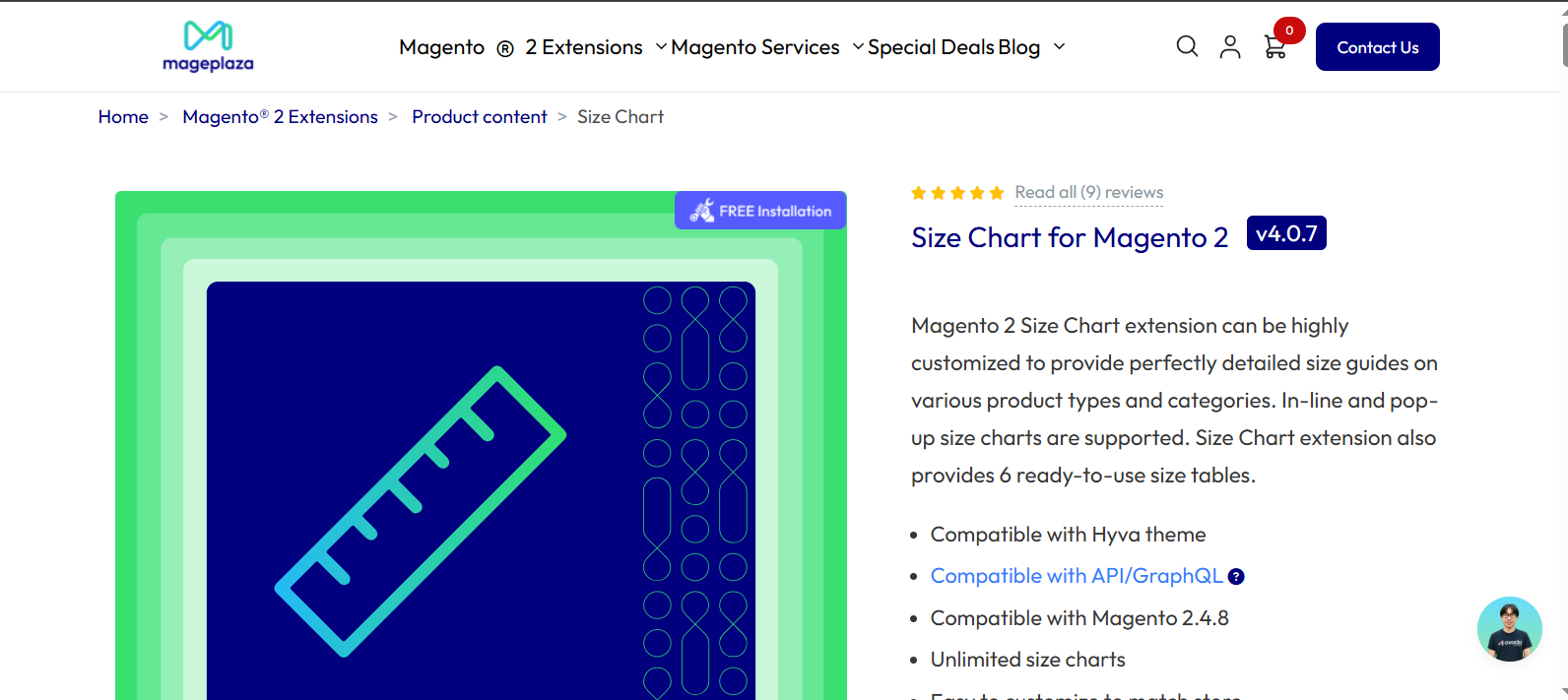
Mageplaza has carved out a strong position in the Magento extension market, and their Size Chart extension demonstrates their commitment to feature-rich solutions. This extension packs considerable functionality into an accessible package.
What Makes It Stand Out?
Similar to Amasty, Mageplaza provides six pre-made templates for common apparel types. What distinguishes their approach is the flexibility in size chart icon configuration. You can upload custom icons for the size chart button and position them at multiple locations on product pages. This level of control over visual presentation helps maintain brand consistency.
The rule priority system is particularly clever. When a product belongs to multiple categories, each potentially with its own size chart, the priority system ensures the correct chart displays. You set the priority levels in the backend, eliminating confusion and ensuring customers always see the most relevant sizing information.
The inline and popup display options give you tactical flexibility. Run A/B tests to determine which presentation style converts better for your specific audience and products.
Key Features:
- Six ready-to-use size chart templates
- Flexible icon positioning and customization
- Rule priority system for multi-category products
- Both inline and popup display modes
- Highly customizable chart design
- Override functionality for special cases
Support: Mageplaza offers 100% open code, 60-day refund policy, and 365 days of free updates and support. That's a full year of coverage, which provides excellent long-term value.
Best For: Stores with products spanning multiple categories who need intelligent rule management. The priority system makes this ideal for complex catalogs where products might legitimately fit in several categories simultaneously.
6. Magento 2 Size Chart Extension by Meetanshi - $45

Meetanshi offers one of the most budget-friendly options on this list, making it an attractive entry point for smaller stores or those testing size chart functionality for the first time.
What Makes It Stand Out?
Don't let the lower price fool you - Meetanshi packs essential functionality into this extension. The WYSIWYG editor enables you to create custom size charts with images, videos, text, or any HTML content you need. This flexibility ensures you can communicate sizing information effectively regardless of your product type.
The responsive popup design works beautifully across devices. In our mobile-first world, this responsiveness isn't just nice to have - it's critical for capturing mobile shoppers who make up an increasingly large portion of e-commerce traffic.
The size chart button customization options let you control text, colors, background, and borders. While not as extensive as some pricier alternatives, these options provide sufficient flexibility to match most store designs.
The management grid provides a clear overview of all your size charts, making it easy to add new ones or modify existing charts as your product line evolves.
Key Features:
- WYSIWYG editor for custom chart creation
- Responsive popup display optimized for mobile
- Customizable size chart button appearance
- Store view-based display control
- Product attribute and combination support
- Priority assignment for multiple charts per product
Support: Meetanshi provides free updates, 12 months of free support, and a 30-day money-back guarantee. That's solid coverage for the price point.
Best For: Small to medium stores on a budget who still want professional size chart functionality. Also great for stores wanting to test size chart impact before committing to a more expensive solution.
7. Magento 2 Size Chart Extension by Magefan - $149
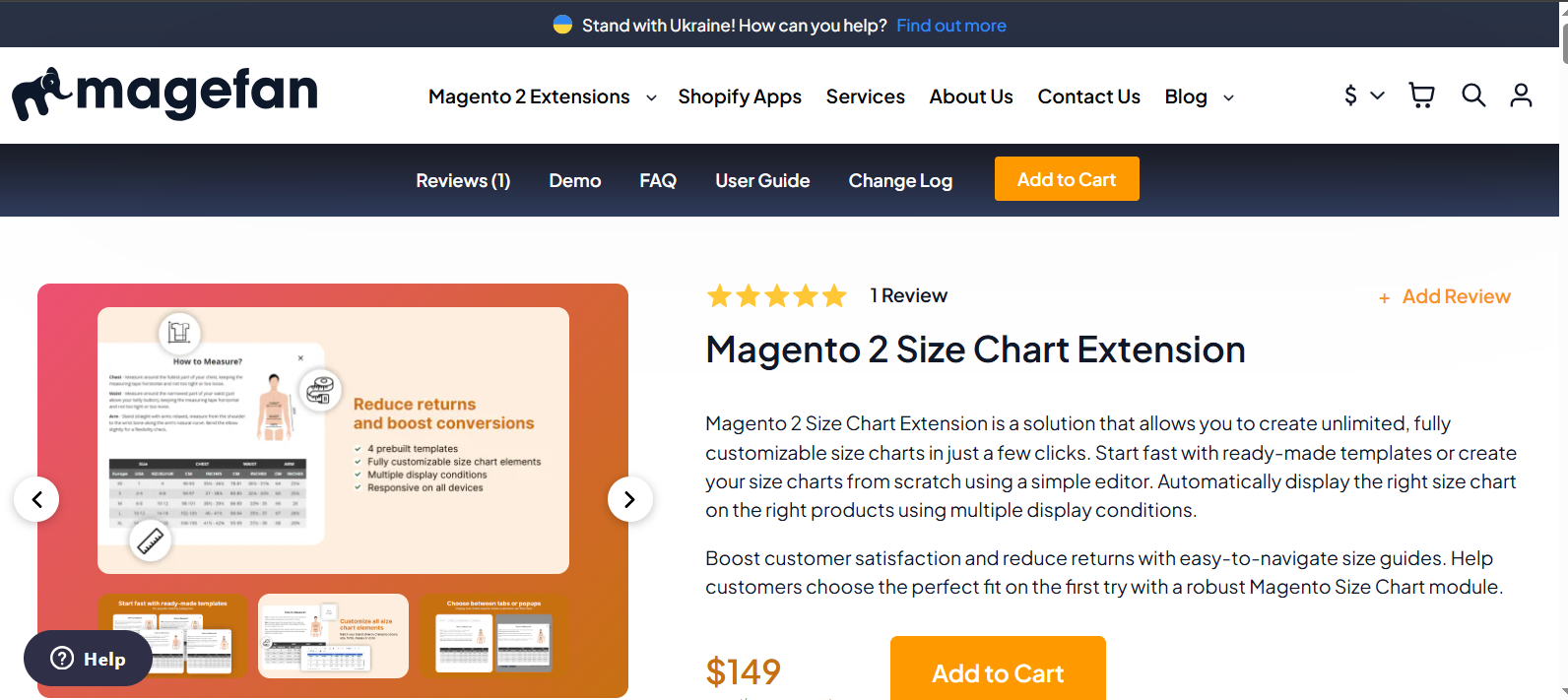
Magefan's newest entry into the size chart market emphasizes speed and simplicity. If you're looking for the fastest path from installation to live size charts, this extension deserves serious consideration.
What Makes It Stand Out?
Speed is the defining characteristic here. Magefan provides pre-made templates for Men's and Women's Tops and Bottoms that you can deploy in literally a few clicks. Choose your template, review the content, and publish. That's it. For busy store owners who don't want to spend hours creating size charts from scratch, this efficiency is invaluable.
The conditional assignment system automates chart distribution across your catalog. Set up rules based on products, categories, or your entire catalog, and let the extension handle the assignments automatically. This automation reduces ongoing maintenance time significantly.
Position control is another smart feature. Choose whether size charts appear in popups or product tabs based on what works best for your store layout and customer preferences. The custom CSS option gives developers complete control over styling when needed.
Key Features:
- Quick-start pre-made templates
- Automated conditional assignment rules
- Flexible position control (popup or tabs)
- Custom CSS for advanced styling
- Streamlined setup process
- Minimal ongoing maintenance required
Support: Magefan offers 100% open code, 30-day money-back policy, and 365 days of free support and updates.
Best For: Store owners who value speed and simplicity over extensive customization. Perfect for businesses that want professional results quickly without getting bogged down in configuration details.
8. Magento 2 Size Chart by MageComp - $49

MageComp delivers a straightforward, no-frills size chart solution at an attractive price point. This extension focuses on core functionality without overwhelming users with options.
What Makes It Stand Out?
The simplicity here is intentional and welcome. You can create size charts globally, assign them to specific categories, or apply them to individual products. The WYSIWYG editor and HTML code support give you flexibility in content creation without unnecessary complexity.
The customer group restriction feature is particularly useful. If you have different customer segments - perhaps wholesale versus retail - you can show different size charts to each group. This segmentation helps you provide targeted information relevant to each customer type.
The two layout options (popup or inline) cover the most common use cases. While not as extensive as some competitors, most stores will find these options sufficient for their needs.
Key Features:
- WYSIWYG editor and HTML code support
- Global, category, and product-specific assignment
- Customer group restrictions
- Responsive popup display
- Both popup and inline layouts
- Customizable popup and icon design
Support: MageComp provides free lifetime support, free lifetime updates, and a 30-day money-back guarantee. The lifetime support and updates add significant long-term value.
Best For: Stores seeking a straightforward solution without unnecessary complexity. The customer group feature makes this especially suitable for stores serving multiple customer segments with different needs.
9. Size Chart for Magento 2 by FME Extensions - $79.99

FME Extensions brings unique capabilities to the size chart space, particularly around data management and import functionality.
What Makes It Stand Out?
The import feature is what sets FME apart. If you have existing size chart data in spreadsheets or other formats, you can import it directly rather than manually recreating everything. For stores migrating from other platforms or managing large numbers of size charts, this capability saves enormous amounts of time.
Conditional assignment gives you precise control over which products display which charts. Build complex rules based on product attributes, categories, or other criteria to ensure sizing information is always relevant and accurate.
The store view restriction is valuable for multi-store setups. You can create different size charts for different regional stores, accounting for variations in sizing standards across countries or markets.
Key Features:
- Import functionality for existing chart data
- Conditional product assignment
- Store view-based restrictions
- Chart display in tabs or popups
- Image upload and data entry options
- Custom chart creation and management
Support: FME Extensions offers free lifetime support and upgrades, providing excellent long-term value.
Best For: Stores migrating from other platforms or managing multiple regional stores with different sizing standards. The import feature makes this ideal for businesses with existing size chart data.
10. Size Chart for Magento 2 by Magepow - $59
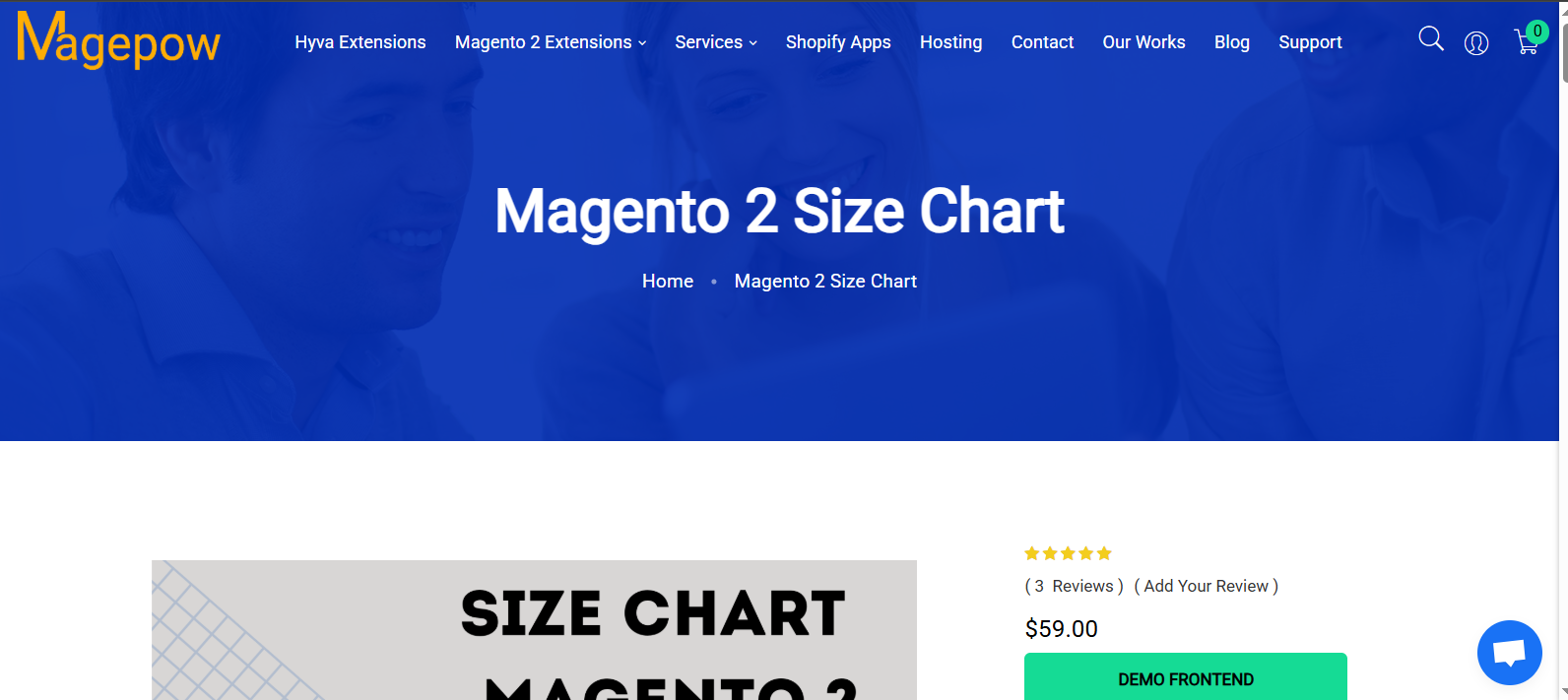
Magepow offers the only genuinely free size chart extension on this list. Hosted on GitHub as an open-source module, it provides basic functionality without any cost.
What Makes It Stand Out?
The price or rather, the lack of one is obviously the main attraction. For startups, test stores, or merchants wanting to experiment with size charts before committing to a paid solution, this free option provides a risk-free way to get started.
Despite being free, Magepow includes essential features: three chart layouts, customizable button text and icons, editable content with image and video support, and basic display rules. That's a respectable feature set considering you're paying nothing.
The GitHub hosting means the code is completely open for inspection and modification. Developers can customize the extension to their exact needs, and the community can contribute improvements.
Key Features:
- Three chart layout options
- Customizable button text and icon
- Image and video support in charts
- Basic display rules
- Completely free
- Open-source code on GitHub
Support: As a free, community-supported module, formal support is limited. You're relying on community forums, GitHub issues, and your own technical resources.
Best For: Developers comfortable with open-source software, stores on very tight budgets, or anyone wanting to test size chart functionality before investing in a paid solution.
Comparing Features Across Extensions
To help you make a quick comparison, here's how these extensions stack up on key features:
Pre-made Templates: Amasty, Mageplaza, and Magefan lead here with ready-to-use templates that save setup time.
Advanced Customization: Plumrocket, Amasty, and FME Extensions offer the most extensive customization options, including advanced editors and import capabilities.
Budget-Friendly Options: Neklo ($25), MageComp ($39), and Meetanshi ($45) provide solid functionality at accessible price points.
Category Management: Plumrocket's inheritance system and Mageplaza's priority rules excel for complex category structures.
Quick Setup: Magefan wins for fastest implementation with its emphasis on speed and automation.
Free Option: Magepow is your only choice for a completely free solution with basic functionality.
Making Your Decision
Choosing the right size chart extension depends on your specific circumstances. Consider these factors:
Budget
If money is tight, start with Neklo, MageComp, or the free Magepow extension. Mid-range budgets suit BSSCommerce, Plumrocket, or Meetanshi. Premium features justify Amasty or Mageplaza for stores that need advanced capabilities.
Technical Expertise
Less technical users should lean toward extensions with pre-made templates like Amasty, Mageplaza, or Magefan. Developers might prefer the open-source Magepow or fully customizable options like Plumrocket.
Store Complexity
Simple stores with straightforward product lines can use basic extensions. Complex catalogs with multiple categories and special requirements benefit from sophisticated rule systems offered by Plumrocket, Amasty, or Mageplaza.
Time Constraints
Need to launch quickly? Magefan's speed-focused approach gets you operational fastest. Have time to fine-tune? Consider extensions with more comprehensive customization options.
Support Needs
If you value strong vendor support, prioritize extensions from established developers like BSSCommerce, Plumrocket, or Amasty with proven track records.
Implementation Best Practices
Regardless of which extension you choose, follow these practices for best results:
Use Clear Measurements
Provide measurements in both inches and centimeters to serve international customers. Be specific about measurement points tell customers exactly where to measure.
Add Visual Guides
Include diagrams or photos showing how to take measurements correctly. Visual instructions dramatically reduce confusion and measurement errors.
Provide Fit Information
Beyond raw measurements, give context about fit. Is this item meant to be loose or fitted? Does it run small or large? This subjective information complements objective measurements.
Keep Charts Updated
Review and update size charts regularly, especially when working with new manufacturers whose sizing might differ from your established products.
Test Mobile Display
Always check how your size charts appear on smartphones and tablets. Most customers shop on mobile devices, so mobile experience is crucial.
Monitor Returns
Track return reasons after implementing size charts. If sizing issues persist, your charts may need adjustment or additional information.
Final Thoughts
Size charts are no longer optional for fashion and apparel e-commerce. They're essential tools that build customer confidence, reduce returns, and increase conversion rates. The investment in a quality size chart extension pays for itself quickly through reduced return rates and increased sales.
Each extension on this list serves different needs. BSSCommerce and Plumrocket offer excellent all-around solutions for most stores. Amasty and Mageplaza provide premium features for established businesses with complex requirements. Budget options like Meetanshi and MageComp deliver solid functionality without breaking the bank. Magefan emphasizes speed for busy merchants. And Magepow offers a free entry point for testing the waters.
Take time to evaluate your specific requirements, budget, and technical capabilities. Most vendors offer money-back guarantees, so you can test extensions in your actual store environment before fully committing. The right size chart extension transforms customer uncertainty into purchase confidence, turning browsers into buyers and reducing the costly burden of returns.
Your customers are looking for guidance to make informed purchasing decisions. A well-implemented size chart extension provides that guidance, improving their shopping experience while boosting your bottom line. Choose the extension that best fits your needs, implement it thoughtfully, and watch your conversion rates improve.
