


In every Magento store, not all categories are created equal. Some categories are seasonal. Some are time-bound. Others consistently drive the highest revenue. Yet Magento’s default navigation treats every category exactly the same as if they all deserve equal attention.
From a shopper’s perspective, this creates a problem. When everything looks identical, nothing stands out. Important categories quietly blend into the background, and customers often miss what the store actually wants them to see.
The Problem: Important Categories Get Lost
Magento’s core navigation has a very neutral approach. By default, it:
- Displays all categories with the same visual weight
- Offers no way to highlight priority sections
- Assumes users will explore on their own
In real-world shopping behavior, this leads to several issues:
- New collections don’t get the attention they deserve
- Sale and clearance categories fail to stand out
- High-margin or strategic categories remain under-clicked
Shoppers aren’t ignoring these sections intentionally—they simply don’t notice them. When navigation lacks visual cues, users tend to skim past important options and move on.
Use Case: A Store Launching Limited Collections
A fashion brand regularly launched time-sensitive collections such as:
- New Arrivals
- Limited Edition
- Clearance Sale
Despite strong products and competitive pricing, these categories received less traffic than expected. The reason was simple: inside the menu, they looked exactly like every other category.
Customers had no indication that:
- A collection was newly launched
- Stock was limited
- Discounts were time-bound
As a result, shoppers clicked familiar categories instead of discovering what was new or urgent.
How MageDelight Mega Menu Extension for Magento 2 Helps?
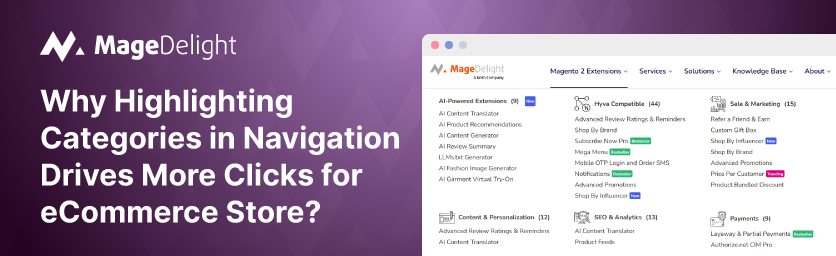
MageDelight’s Mega Menu introduces menu labels that visually communicate importance without changing the navigation structure.
Using labels like:
- New
- Hot
- Sale
Store owners can instantly draw attention to specific categories. These labels can also be styled to match the store’s branding, making them noticeable but not intrusive.
The result is simple but powerful:
- Users immediately understand what’s new or trending
- Priority categories stand out naturally
- No extra clicks or banners are needed
Business Impact
Highlighting categories at the navigation level delivers clear benefits:
Higher Click-through on Priority Categories
When important categories are visually highlighted, they naturally catch the shopper’s eye. This subtle emphasis guides users toward high-value sections, encouraging more clicks without feeling pushy or disruptive.
No Custom Design or Development Effort
Everything is handled directly through simple configuration settings. There’s no need to touch code or invest time in custom design work, making it easy for both technical and non-technical teams to manage.
Faster Product Discovery
By clearly pointing shoppers to what matters most, navigation becomes more intuitive. Customers can quickly find relevant products instead of digging through multiple menus, leading to a smoother and more satisfying browsing experience.
In practice, menu labels turn navigation into a guidance tool, subtly steering customers toward high-value sections—something Magento’s default menu simply isn’t designed to do.
Demo Link:
Here is the Storefront Demo and Admin Panel.
Purchase link:
Here is the link to buy our Mega Menu Pro for Magento 2.
Contact Us:
You can reach out to us if you have any query about to extension here: Contact Us
